Industry
Design Systems
Client
Skynamo
A mobile and web Flutter design system built to scale.
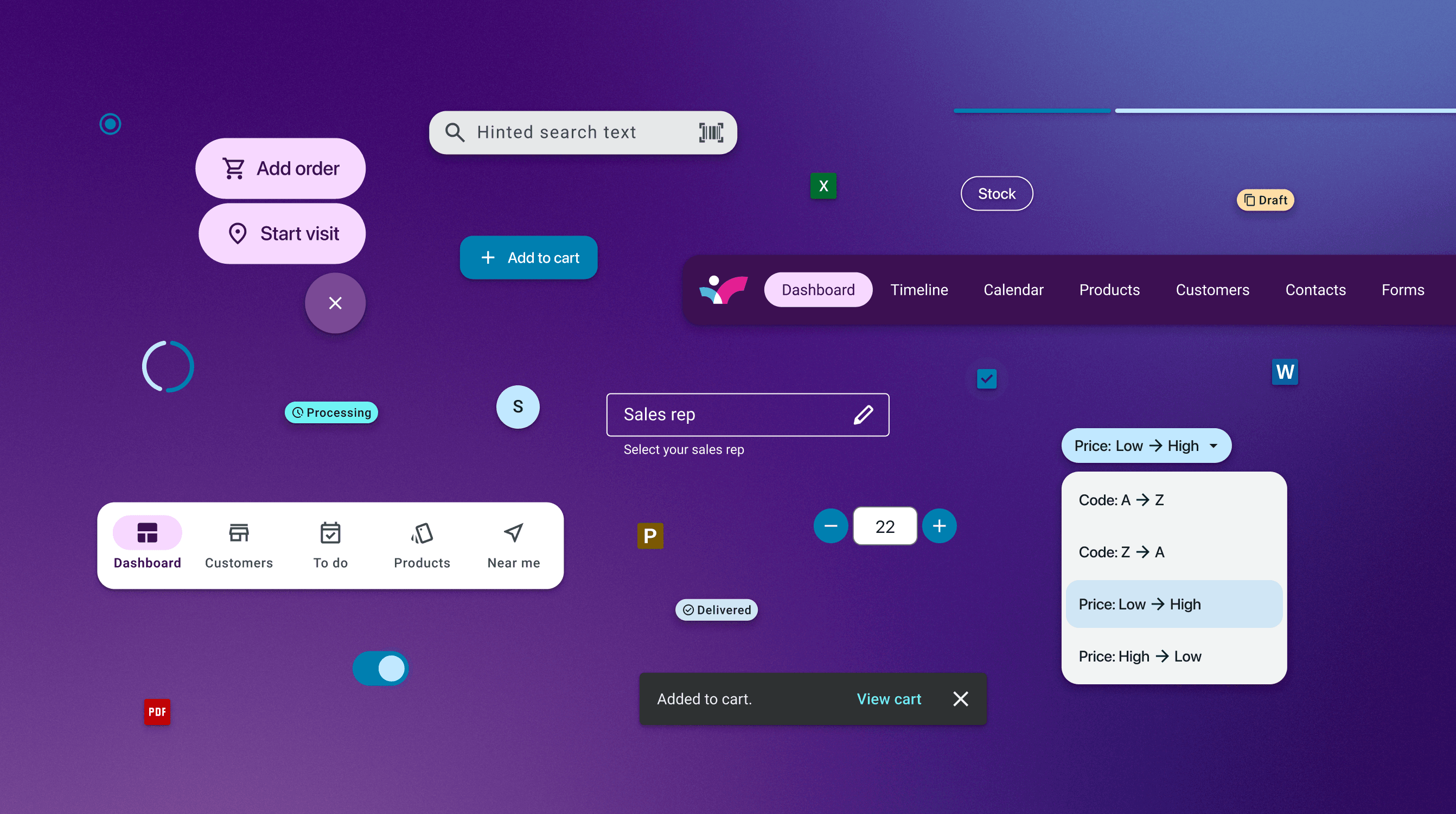
The platforms were already diverging. The Flutter migration was the chance to stop that.
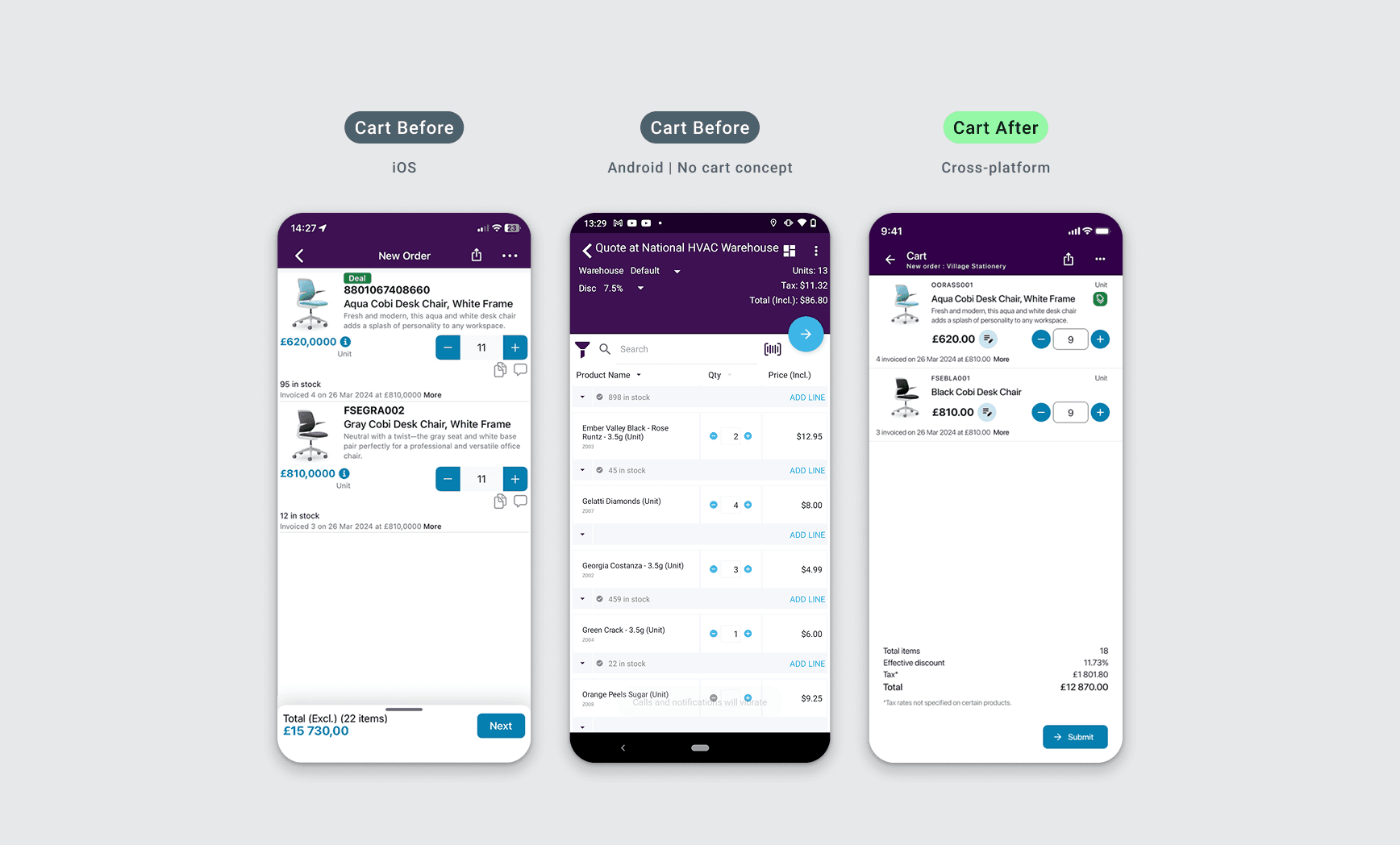
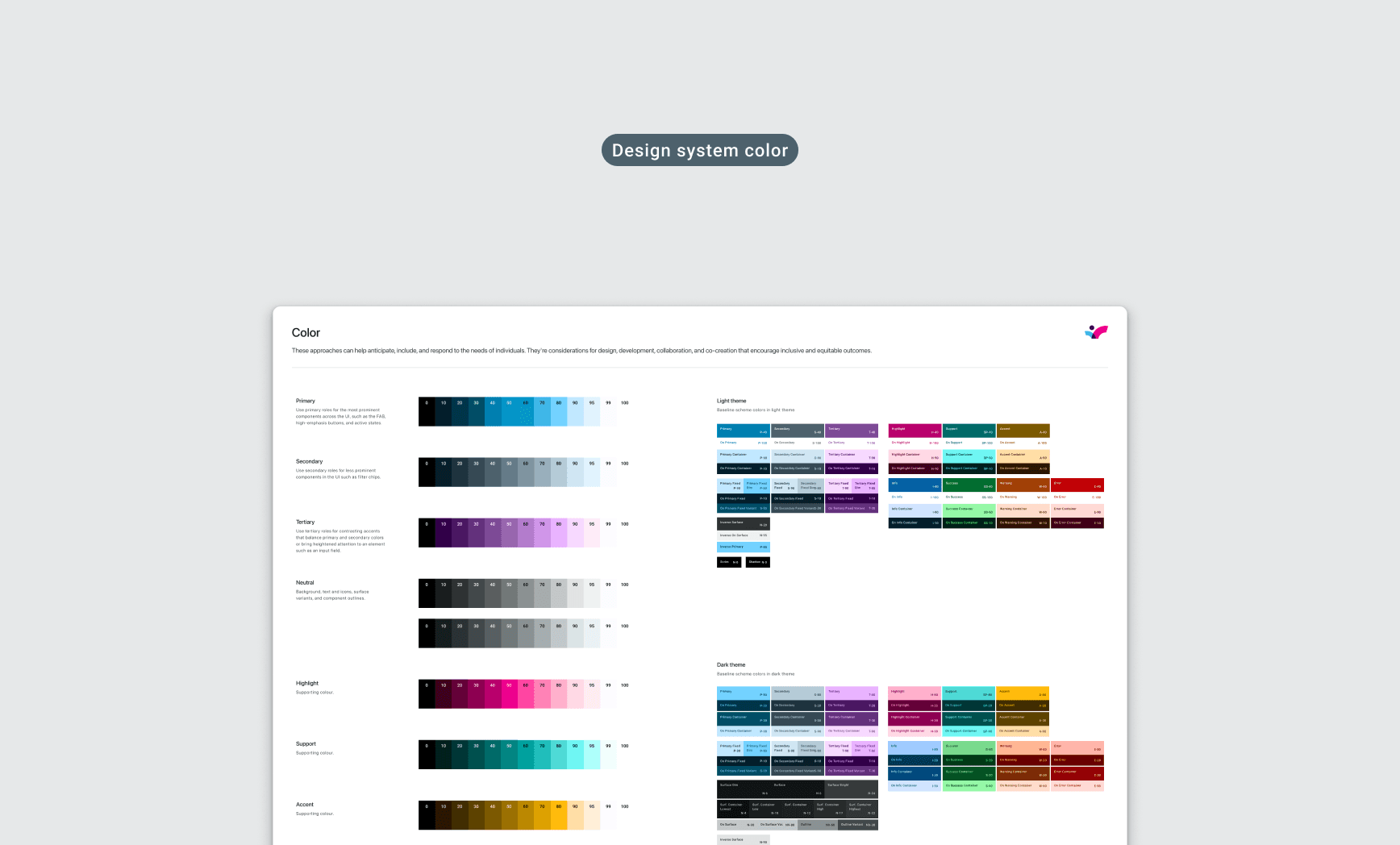
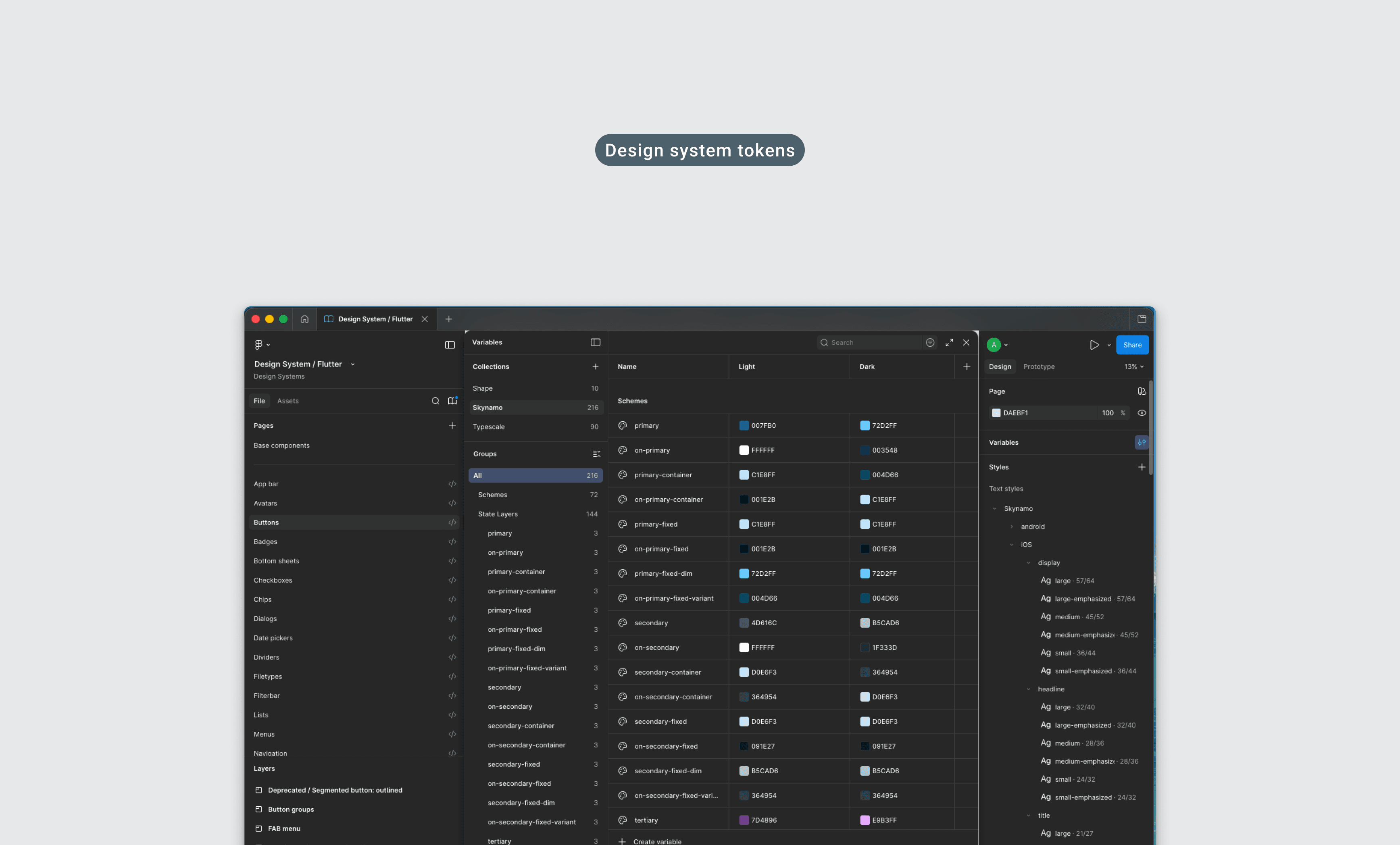
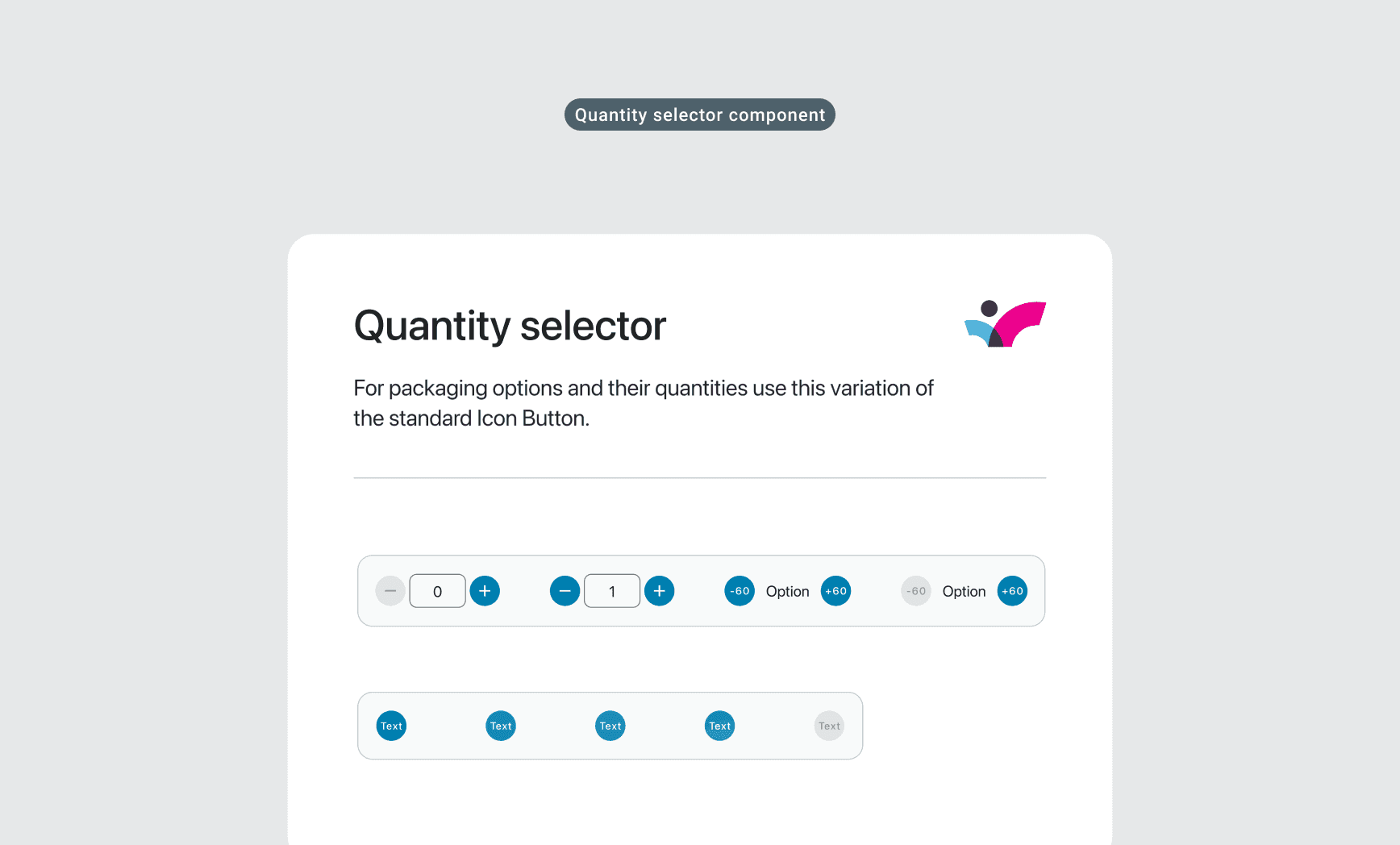
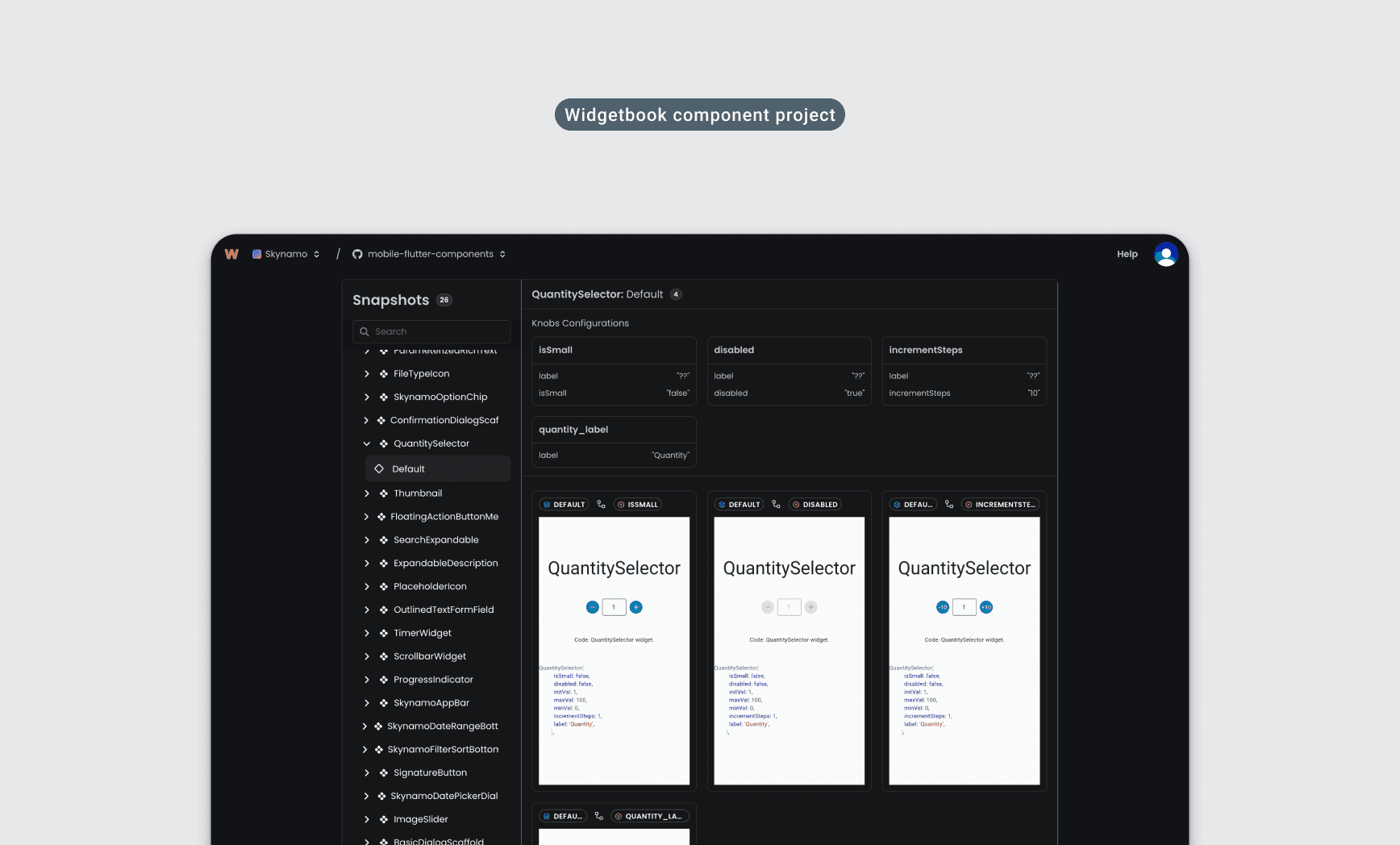
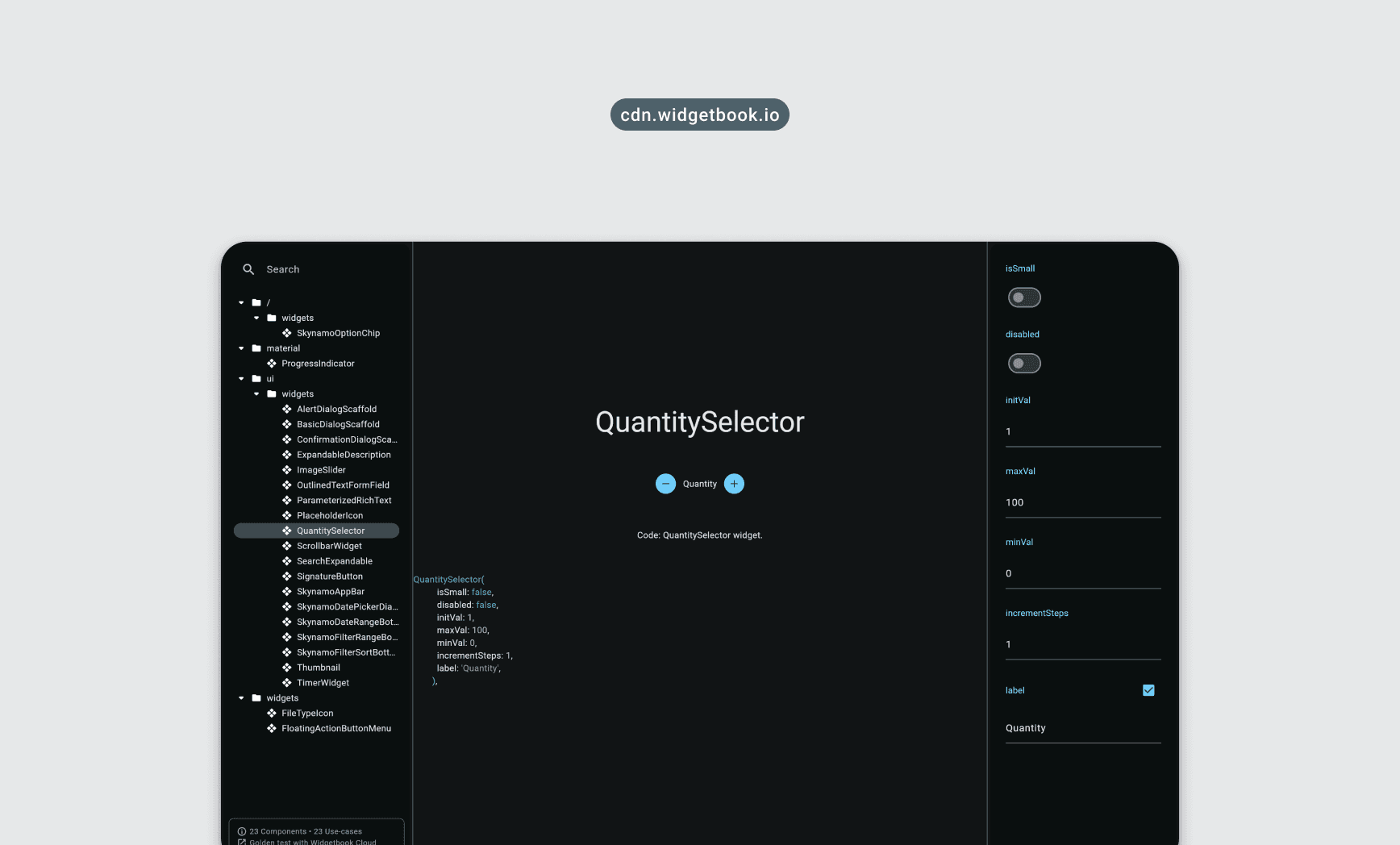
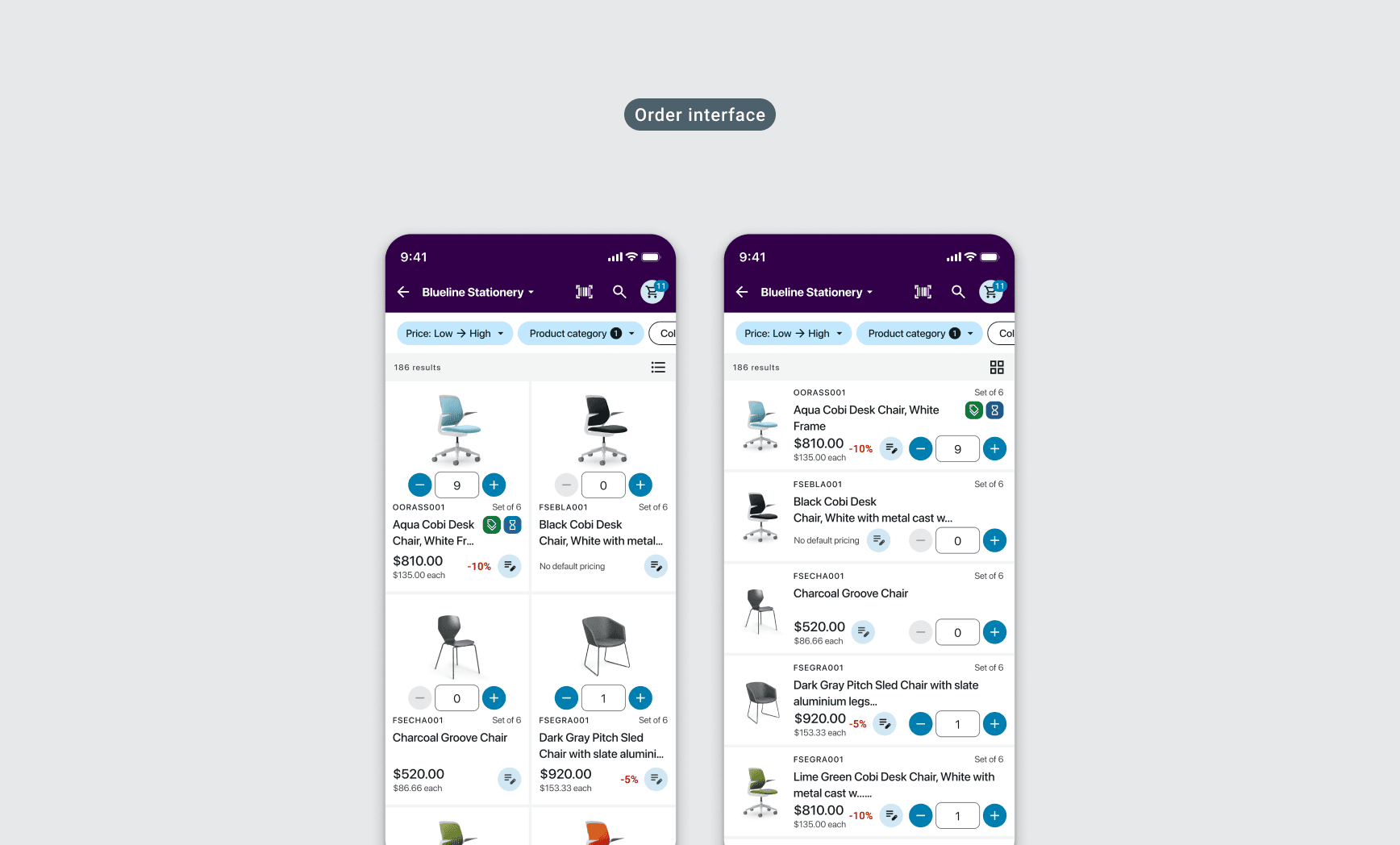
Skynamo runs on iOS, Android, and a web management system, and for a long time each lived in its own codebase doing its own thing. Every new feature meant designing and building the same thing three times over, and the gaps kept widening. The Flutter migration was the moment to sort that out. The system lives in two places: a Figma file designers work from, and a Widgetbook instance where developers interact with real production components instead of static specs. If it's in Widgetbook, it's in code. 23 components, a colour system rebuilt to work with the framework rather than against it, and custom additions for the patterns Material has no opinion on. Flutter's theming handles contrast and touch targets at a system level, so accessibility is there by default. 14 developers across multiple squads use it now. The first product built on it was a catalogue ordering app, and we used the components created there to display the first complete page view made entirely from system components in both iOS and Android native Fields Sales apps cart. The second feature to use the components was bulk actions on the Order UI which took two days to build once and has cost nothing to reuse since. The decisions that mattered weren't the obvious ones. Material covered the basics; the harder calls were about what didn't belong at all. The rule we settled on: if something appears in more than one place it belongs in the system, if it's one-off it doesn't, and holding that line stopped it becoming a dumping ground. Nothing went in without both a Figma source and a working Widgetbook story, which kept the single source of truth actually single as the team grew.